
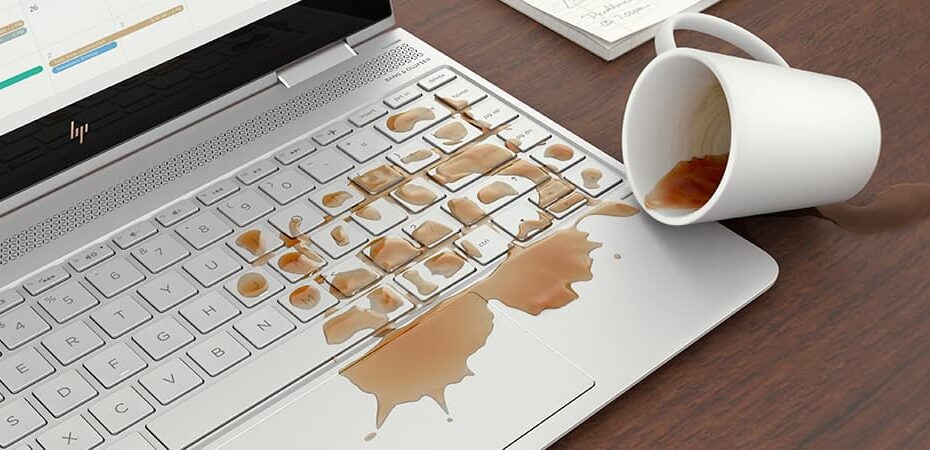
Dust and dirt can affect your computer’s performance and by keeping your PC in tip-top condition lengthens the life of the machine, both internally and externally. A glitchy operating system, overheating CPU, or fast-draining battery are avoidable computer woes that a bit of regular maintenance could defend against. While regular cleaning can prevent costly damages, cleaning the equipment incorrectly can destroy it. There is a right way and a wrong way to clean your equipment.
Please watch this brief 3-minute video which reviews how to properly clean your equipment and how to avoid damaging its sensitive components.
**Before starting any cleaning, always turn the computer off and unplug from the power source. **
Cleaning the keyboard
- Dust, food, liquid, and other particles can get stuck underneath the keys on your keyboard, which can prevent it from working.
- Turn the keyboard/Laptop upside down and gently shake it to remove dirt and dust.
- Use a can of compressed air to clean between the keys. Be sure to follow the directions on the compressed air can as well as use the included straw to insure you reach far enough under the keys.
- Moisten a cotton cloth or paper towel with rubbing alcohol and use it to clean the tops of the keys. Make sure the cloth is not soaking wet and do not pour any liquids directly onto the keys.
Cleaning the mouse
- Moisten a cotton cloth with rubbing alcohol and use it to clean the top and bottom of the mouse.
- If you have a mechanical mouse, remove the tracking ball by turning the ball-cover ring counter-clockwise. Then clean the tracking ball and the inside of the mouse with a cotton cloth moistened with rubbing alcohol.
- Allow all the parts to dry before reassembling and reconnecting the mouse.
Cleaning the monitor
- Use microfiber cloths for a quick dusting.
- For fingerprints use a soft, clean cloth moistened with water to wipe the screen gently.
- Do not use glass cleaner to clean a monitor. Many screens have anti-glare coatings that can be damaged by glass cleaner.
- Do not spray any liquids directly onto the screen. The liquid could leak into the monitor and damage the internal components.